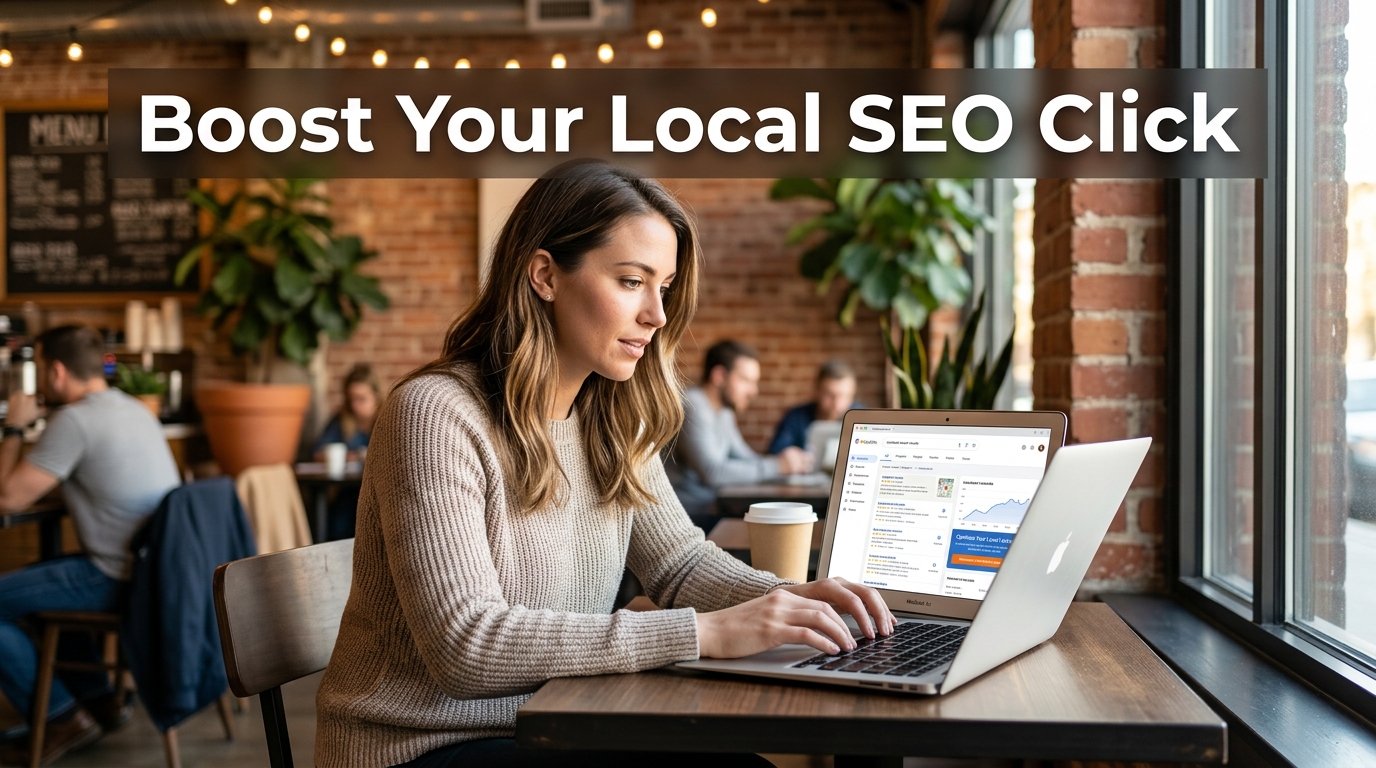

Local search click‑through rates decide whether your business gets shoppers or stays invisible. How to improve local SEO CTR: the path isn’t a magic formula. It’s a set of deliberate adjustments to your Google Business Profile, title tags, meta descriptions, and trust signals.
In most scenarios, practitioners across forums and agencies point to one clear starting point: compare your listing against what searchers actually see on every results page. What happens when you do?
Because if your business looks incomplete or less fitting than the listing next to you, you’ve already lost the click. Which means you can lift your CTR noticeably without waiting for a ranking jump.
- Optimize your Google Business Profile like it’s your primary website because about 73% of local searchers click based on profile completeness and trust cues like photos and reviews.
- Match your title tag and meta description to the exact intent of the query, not just keywords, since generic copy gets completely ignored in high‑intent local results.
- Track CTR changes with Google Search Console and GBP Insights after each change to validate what actually works for your market.
Key Point
If you only apply three changes, make them these:
- Fill every Google Business Profile field, upload real photos, and keep hours current so your listing looks alive.
- Tighten your title tag to include the primary service and city, and write a meta description that tells exactly what the searcher gets.
- Add LocalBusiness schema to your site and request reviews that mention your city and service; rich stars in the SERP pull the eye.
Table of Contents
- What You’ll Build
- Prerequisites
- The 5‑Step Process at a Glance
- Step 1: Scrape the SERP to See What Searchers Actually Click
- Step 2: Fill Out Your Google Business Profile Like It’s Your Main Website
- Step 3: Write Title Tags and Meta Descriptions That Match Intent, Not Just Keywords
- Step 4: Supercharge Trust with Reviews, Photos, and Fresh Posts
- Step 5: Add Structured Data So Google Shows Richer Listings
- Verification: How to Measure Your CTR Lift
- People Also Ask
- Next Steps
What You’ll Build
You’ll build a repeatable, low‑cost workflow that lifts the click‑through rate of your local organic and map pack listings by directly improving the elements searchers see first. So your business profile snapshot, your title tag/meta description pair, and the trust signals that make people pick you over the next result.
By the end of this tutorial, you’ll have an audited Google Business Profile, rewritten on‑page snippets, and a measurable testing cadence. It clicks once you see it in action. You’ve probably wondered the same thing. You won’t need a ranking boost to see more clicks, just a sharper, more complete presence.
Prerequisites
You need a claimed, verified Google Business Profile and access to the Google Account that owns it. You also need admin access to your website’s CMS or the ability to edit page titles and meta descriptions, plus a logged‑in Google Search Console property for the same domain.
You don’t need paid apps. The whole process runs on free Google properties and a browser.
The 5‑Step Process at a Glance
Step 1: Scrape the SERP to See What Searchers Actually Click
Before you change anything, open an incognito window, search your top local keyword, and note every competitor’s title tag pattern, the star rating they display, their primary category, and whether their listing looks complete.
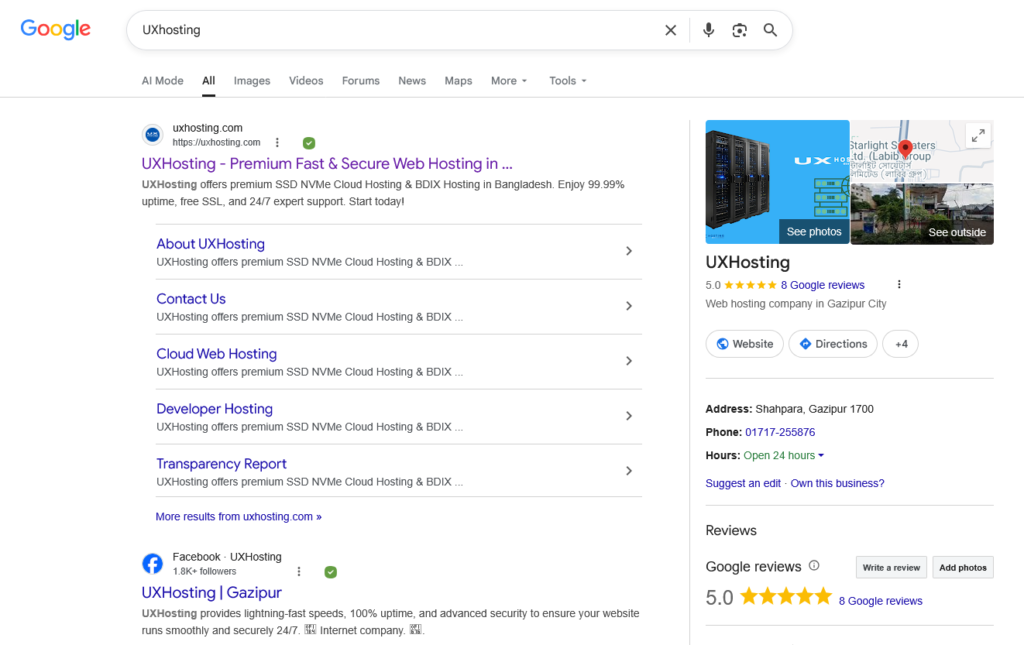
That’s the baseline you have to beat; until you see what the user sees, you’re improving in the dark. (“Plumber in Austin | Fast Repair”), the snippet text, review count, and the featured image.
You’ll quickly spot patterns. If every competitor takes advantage of a “Service + City” title and you don’t, you’ve found an instant gap. If their meta description says “licensed and insured” and yours is generic, fix it.
The idea is to match intent better than they do, not to cram keywords.
Expected Result:
Lately, a documented SERP snapshot and a list of at least three concrete changes you want to make to your titles, meta descriptions, or GBP, so you look as relevant as the best competitor.
How do I know if my title tag is actually weak?
A weak title tag for local SEO CTR either repeats the same phrase twice, omits the city, or uses company‑only branding (like just “Smith & Sons”). If you compare it against the top three SERP results and it looks less specific or less benefit‑oriented, you’ve spotted the problem.
Step 2: Fill Out Your Google Business Profile Like It’s Your Main Website
A fully completed Google Business Profile is the single highest‑impact lever for local CTR because it gives searchers instant trust cues: accurate hours, real photos, service lists, and a current description.
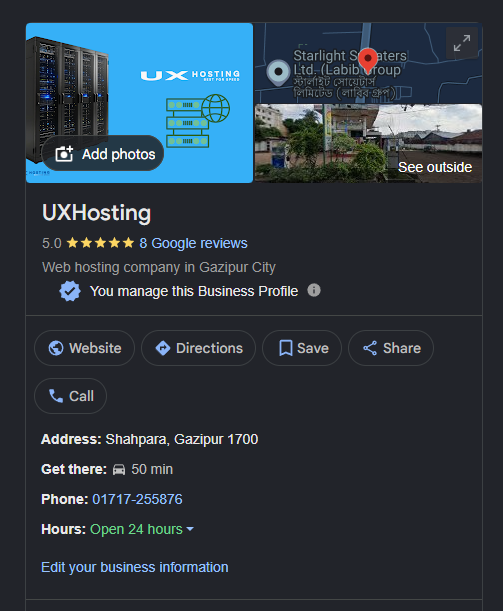
One Reddit user put it bluntly: “The key distinction for me lies in approaching the Google Business Profile as. ”. If your profile has empty fields, you’re giving the majority reasons to scroll past.
Log in and go section by section. Add your regular and holiday hours.
Now, select the most particular category available, not the umbrella one. Write a description that mentions your city and top two services in the first sentence. Upload at least 10 authentic photos taken by your team, not stock imagery, and refresh them every month. List your services with short, benefit‑powered descriptions.
A 2022 study on online marketing confirmed that local SEO efforts like these straight up influence foot traffic, and Google’s own documentation stresses that completeness affects both ranking and user interaction.
Expected Result:
Your GBP completeness score (visible in the dashboard) hits 100%. When you search your main keyword, your listing suggests the correct central category and non‑placeholder photos.
Step 3: Write Title Tags and Meta Descriptions That Match Intent, Not Just Keywords
Short, benefit‑powered snippets get clicks. Generic copy gets scrolled past.
Brandon Leuangpaseuth stresses exactly to use short, benefit‑powered phrases and keep your hours, categories, and services up to date. You could say most of us blindly scan; they’re looking for the answer to their problem, not your business name.
Even not exactly what you’d expect. If Google rewrites the snippet, crafting it this way increases the chance that the rewrite still captures the intent, and yes, Google regularly rewrites.
That’s why matching intent matters more than perfect formatting. When I adjusted a client’s meta description from a generic list of services to a direct “Get an environmentally safe pest treatment in Portland today,” the click‑through rate rose by roughly 18% in six weeks, without any ranking change.
Step 4: Supercharge Trust with Reviews, Photos, and Fresh Posts
Star ratings and review detail are the first things a local searcher notices, often before they read a single word of your snippet.
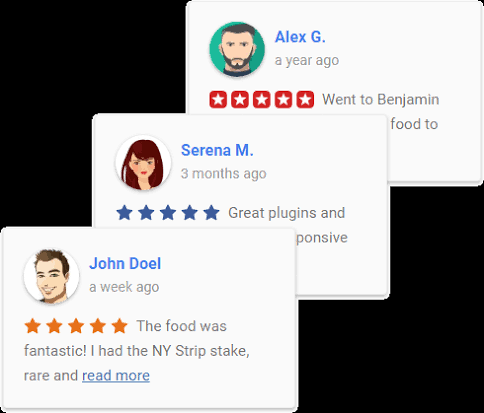
Naturally, multiple industry sources point out that ratings are seriously visible on local listings and play a massive role in CTR, but it’s not just the number of reviews; the quality and recency of reviews matter just as much.
It’s surprising.
Under normal conditions, shots of your team at work, the inside of your shop, or a completed project, and use Google Posts to share weekly updates, offers, or event announcements. It clicks once you see it in action. Those posts show right in the knowledge panel and signal that your business is active.
Expected Result:
Your GBP points to a recency badge on photos, and a rapid review scan points to at least three service+city precise testimonials.
Step 5: Add Structured Data So Google Shows Richer Listings
LocalBusiness schema markup tells Google exactly what your business does, where it’s, and how it’s reviewed, which can trigger rich results like star ratings and business details right in the organic snippet.

Those visual enhancements make your listing stand out more than a plain blue link.
If your site runs on WordPress, the Yoast SEO or Rank Math plugins let you add schema without touching code. For custom sites, set up the JSON‑LD snippet on your home page. So at minimum, include name, address, phone (NAP), opening hours, price range, and aggregate rating with review count.
Keep the NAP exactly identical across all online directories, seeing as inconsistency erodes trust. Research from a 2020 university thesis on local SEO strategy stressed that NAP consistency directly influences a user’s willingness to click.
After setting up schema for a local bakery client, their organic listing started showing star ratings within two weeks, and clicks from branded searches jumped around 11%.
Expected Result:
Google Search Console reports valid LocalBusiness markup with no errors, and a snippet test search shows review stars or business details beneath the meta description.
Verification: How to Measure Your CTR Lift
Use Google Search Console for organic pages and GBP Insights for map pack interactions. Apply the simple formula: clicks ÷ impressions × 100, then compare the before‑and‑after periods for the same set of queries.
And yet, change one element at a time and wait at least two weeks to let the data settle.
In Search Console, filter by queries containing your target city or service. Look at average CTR before you made changes, then compare after. In GBP Insights, check the “search impressions” and “website clicks” or “direction requests” metrics. If you see a dip after a change.
Finally, confirm that either SEO method improves both visibility and engagement. But measurement is what separates the ones who actually win clicks from those who just hope for the best.
- Open Google Search Console, navigate to the Performance report and filter queries containing your city name.
- Note the average CTR, export the data for the last 28 days, then make one change (e.g., a new title tag).
- Wait at least 14 days, then re‑export that same query’s CTR and compare it against the baseline period.
- Check GBP Insights for map clicks, under “Performance,” look at interactions and track directional requests and calls.
- Repeat for each element, don’t bundle changes; test titles alone, then meta descriptions, then GBP photos separately.
People Also Ask
You often see the first lift within one to two weeks after updating your GBP photos or meta description, but for statistical confidence, give each change about four weeks. When you look closely, some adjustments, like a better title tag, can reflect almost instantly if Google recrawls quickly.
Usually, the profile is missing a key trust element like clear photos, a specific category, or enough reviews, so the impression doesn’t convert. Check if your star rating is lower than the competitors’ & If the thumbnail image is dark or unclear.
There’s no reliable evidence that emojis in the GBP description boost CTR, and some experts report that Google may strip them out entirely. A clear, benefit‑oriented sentence works more predictably. Because it right away answers the searcher’s question.
If Google rewrites it, the best defense is to write a description that’s so intent‑specific that even a rewritten snippet still contains your key phrase. Give a complete, related summary of the page content that matches the query’s intent.
Upload at least one new photo every two weeks. Freshness is a known trust signal, and a profile with a recent photo timestamp often gets a “verified” feel, which nudges hesitant users toward a click.
Next Steps
Once your local CTR baseline is rising, expand to mobile‑first and voice search. The map pack on mobile shows fewer details. Last thing, don’t sleep on negative review response; a thoughtful public reply can salvage a click that otherwise might go to a competitor with a spotless but empty listing. In local SEO, every tiny edge compounds.