
Figuring out how to write a book using AI often starts with excitement and ends with a document that reads like a textbook ate a thesaurus. Type “write me a 200-page book about marketing,” and you get bland, repetitive prose nobody would buy. Used well, AI can dramatically cut the time it takes to write a first draft, leaving you free to focus on what matters: voice, accuracy, and structure. The five steps below will help you produce a manuscript you’d actually publish.
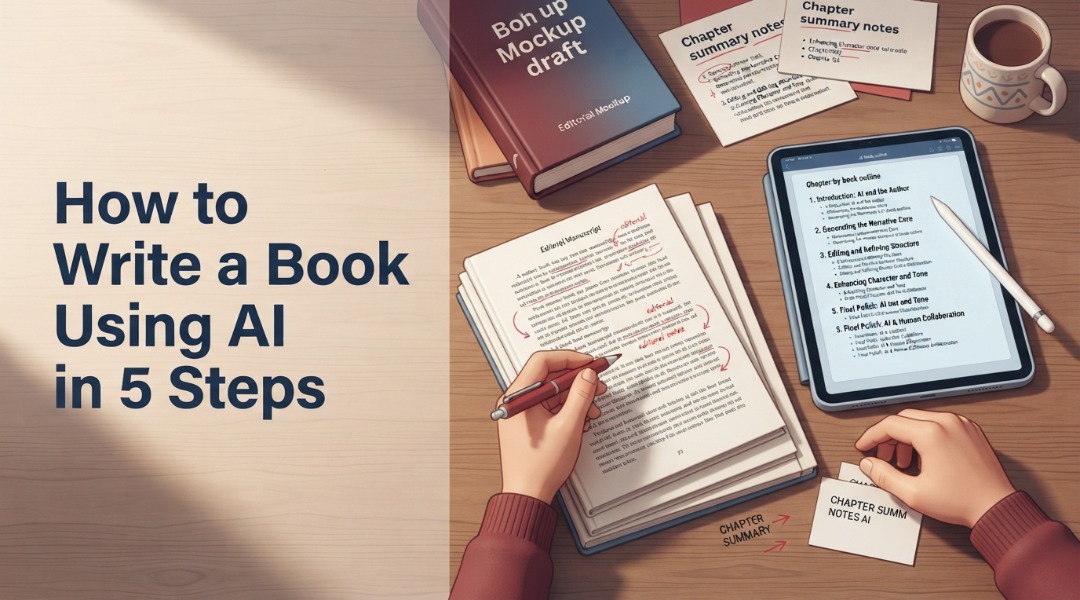
- Break your book into stages: concept, outline, chapter-by-chapter drafting, revision, and export. Never generate a whole book in one prompt.
- Feed the AI audience, tone, chapter goals, and prior chapter summaries so it maintains continuity across long manuscripts.
- Plan to spend roughly 20-30% of your total project time on editing, because raw AI prose always needs a human rewrite.
Key Takeaways
- Never ask AI to write an entire book at once. It produces generic, disconnected prose every time.
- A living chapter summary file is your single best tool for preventing continuity breaks across 50+ pages
- According to recent guides, plan about 20-30% of total project time for editing. Not an afterthought.
- Your voice must come through in every chapter, even when AI generated the first draft
Table of Contents
- What You’ll Build
- Prerequisites
- Step 1: Define Your Book Concept for AI-Assisted Writing
- Step 2: Build a Chapter-by-Chapter Outline
- Step 3: Draft Each Chapter Using AI
- Step 4: Revise and Edit for Voice and Continuity
- Step 5: Export, Format, and Publish
- Testing It Works
- People Also Ask
- Next Steps
What You’ll Build
You will build a complete, publish-ready manuscript of 30,000 to 80,000 words, drafted chapter by chapter with AI assistance, then revised and edited by you to maintain a consistent voice. The final output exports to PDF, EPUB, and DOCX.
This tutorial takes you from a blank page to export-ready files, showing you how to write a book using AI. You’ll end up with a finished manuscript that has a clear structure, a consistent voice, and proper formatting. It won’t be a rough draft sitting in a chat window. Instead, you’ll have a structured document where every chapter serves the outline, continuity holds from page 1 to the end, and the prose sounds like you wrote it, because you rewrote the parts that didn’t.
Prerequisites
You need an AI writing tool like ChatGPT or Claude, a document editor for your manuscript, and a basic understanding of your book topic. No coding experience required, but you should know your audience and genre before starting.
You don’t need much to get started. A free ChatGPT account works for short books. For longer projects, a paid tier gives you higher output limits and better context handling.
You’ll also want a separate document, such as Google Docs or Scrivener, to store your chapter summaries and outline. That file will keep your book on track. Without it, your book will fall apart around chapter 4.
Step #1: Define Your Book Concept for AI-Assisted Writing

Start by writing a one-page brief covering your book title, target audience, core promise, tone, and 3 to 5 key takeaways. Feed this brief to your AI tool before generating any outline or chapter content.
According to a 2024 study by E Mollick, the most effective way to use AI for writing is to break the work into stages that play to the technology’s strengths, rather than asking it to handle everything at once. Start with your concept brief.
Your brief answers five questions: Who is this book for? What problem does it solve? What tone fits the audience? What are the main points?
What makes your take different from other books out there? Write it in plain language.
Don’t outsource it to AI yet. Your concept is the one thing the machine can’t generate for you.
Expected Result: A one-page concept brief you can paste into every future prompt.
What should your concept brief include?
Your brief needs audience details, tone guidance, a core promise, and differentiation. Together, these elements give the AI enough context to produce relevant output instead of generic filler.
Skip this step, and every chapter may read like a Wikipedia summary. The brief gives your book a point of view instead of leaving you with a pile of words.
Step #2: Build a Chapter-by-Chapter Outline
Ask your AI tool to generate a detailed chapter-by-chapter outline based on your concept brief. Review it, reorder sections for logic, and add specific sub-points for each chapter before moving to drafting.
This is where AI shines. Feed your concept brief into your tool and ask for an outline of 10 to 15 chapters, each with 3 to 5 sub-points. The result will be decent, but not great. Cut weak chapters, merge overlapping ones, and add sub-points that only you would think of.
Understanding how AI is changing content writing can help here. The tool provides structure; the insight comes from you.
According to a 2023 study by NS Baron, as reliance on AI writing tools grows, authors need to stay in control of structure and intent. The machine can generate an outline, but only the author knows which chapters serve the book’s promise.
Expected Result: A finalized outline with 10-15 chapters and 3-5 sub-points each.
How do you prevent generic outlines?
Add specific examples, case studies, or anecdotes to each chapter’s sub-points before drafting. AI builds the skeleton; you add real content.
Step #3: Draft Each Chapter Using AI

Draft one chapter at a time by feeding the AI your outline, the previous chapter summary, and specific instructions for the current chapter. Never generate more than one chapter per prompt.
This is the heart of the process. Before each chapter, give the AI four things: the concept brief for context, the current chapter’s sub-points for structure, a 2-3 sentence summary of the previous chapter for continuity, and tone instructions for consistency.
According to a 2026 study by J Warner, authors who treat AI as a writing partner rather than a replacement are more likely to produce good books instead of generic ones. You direct, aI drafts, you revise.
Why not generate the whole book at once?
An entire book generated in one prompt will be disconnected and repetitive, with little continuity between chapters. AI tools lose track of earlier content once it goes beyond their context window, leading to contradictions and shifts in tone.
I learned this the hard way. Chapter 3 referenced concepts that chapter 7 introduced, and the tone shifted from professional to casual and back again. Drafting one chapter at a time and keeping a running summary fixed all of it.
Expected Result: A complete first draft of your manuscript, chapter by chapter.
Step #4: Revise and Edit for Voice and Continuity
Read every chapter aloud, rewrite generic phrasing in your own voice, fact-check all claims, and verify continuity against your chapter summary file. Plan to spend 20-30% of your total project time on this stage.
Recent guides on AI-assisted writing recommend setting aside about 20-30% of your total project time for editing and refinement. That may sound like a lot until you read your first AI-generated chapter. The prose may have weak transitions, repetitive sentence structures, and phrases that technically make sense but don’t sound like something anyone would say.
According to research by M Hosseini and LM Rasmussen (2024), researchers using AI for writing must not use NLP systems to fabricate empirical data or falsify existing data. The same warning applies to non-fiction authors. If your book makes claims, cites studies, or refers to real events, you’re responsible for checking their accuracy. AI tools can state falsehoods with confidence, and those claims will end up in your book if you don’t verify them.
Recommended Time Allocation for an AI-Assisted Book Project (%)
Before you start editing, build AI content writing style guidelines to make this stage faster. They’ll give you a reference for tone, vocabulary, and sentence rhythm.
Expected Result: A fully revised manuscript with consistent voice and verified facts.
Step #5: Export, Format, and Publish
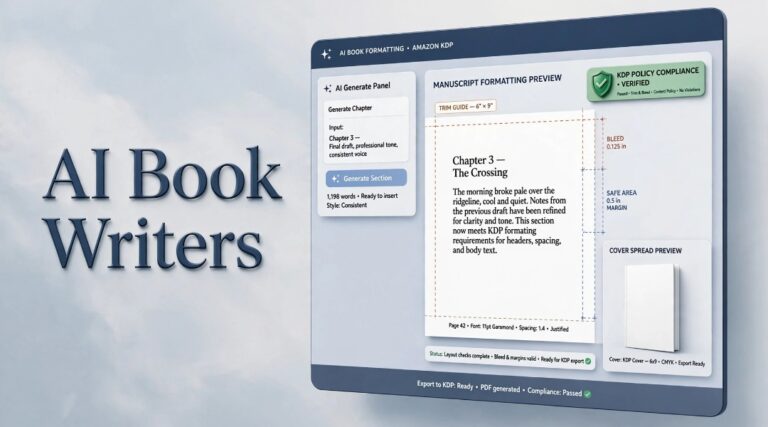
Export your finished manuscript to DOCX, PDF, and EPUB formats. Use AI tools to generate metadata, book descriptions, and cover concepts, but review all output before publishing.
According to a 2025 study by T McIlroy, AI tools in book publishing now help create targeted advertising and generate metadata, extending well beyond text drafting. Your AI assistant can help write back-cover copy and keyword-rich descriptions, and develop cover concepts.
According to a 2024 study by S Khlynyna and O Vovk, AI can also correct and advise on book layout in real time. That means you can catch formatting issues as you build your final document, rather than after export.
Expected Result: Export-ready files in your target formats plus metadata and descriptions.
Should you use AI for cover design?
AI cover design tools can produce concept art and layout ideas, but final covers usually need a human designer. Use AI for inspiration and mood boards, then hand the best concepts to a professional.
Testing It Works
Verify your finished manuscript by reading it start to finish, checking that every chapter follows logically from the previous one, that voice stays consistent, and that all factual claims are sourced.
If possible, read the whole book in one sitting. You’ll catch continuity breaks, shifts in tone, and repetitive phrasing that you may have missed when reviewing each chapter separately. If a passage sounds like it came from a different author, it probably did.
That’s AI voice bleed. Rewrite those sections in your own words.
People Also Ask
Can AI write a full book without human input?
AI can generate a full book without human input, but the result will be generic, repetitive, and often factually inaccurate. Human review for voice, structure, and accuracy remains necessary for any publishable manuscript.
Which AI tools work best for book writing?
ChatGPT and Claude work well for drafting and outlining. Sudowrite offers fiction-specific features. For non-fiction, standard chat-based tools with strong context handling are sufficient. The tool matters less than your prompting method.
How long does it take to write a book with AI?
Drafting takes days instead of months, but editing and fact-checking still require significant time. Plan for the full project to take 2 to 6 weeks depending on length, with 20-30% of that time reserved for revision.
Is it legal to publish a book written with AI?
Yes, it is legal to publish AI-assisted books, but you should disclose AI usage where platforms require it. Copyright law around AI-generated content is still evolving, so human-authored and edited portions are safest.
Will readers know I used AI?
Readers will not know if you have rewritten the generic parts, maintained a consistent voice, and edited thoroughly. The tell is repetition and flat prose. Exactly what good editing eliminates.
Next Steps
Polish your manuscript with beta reader feedback, format it for your target platform, and consider creating an audiobook version using AI narration tools.
Now that you know how to write a book using AI, you might also want to explore whether AI will replace content writers as you plan your next project. The skills you’ve developed here also apply to shorter content. If you found editing painful, fixing AI-detected content uses the same voice-rewriting techniques you just practiced.
- Collect beta reader feedback, Share your manuscript with 3 to 5 trusted readers before final formatting.
- Format for your platform, Export to EPUB for Amazon KDP or PDF for direct sales.
- Write your book description, Use AI to draft 3 versions and pick the strongest one.
- Plan your launch, Build a simple landing page and social media posts to support release.