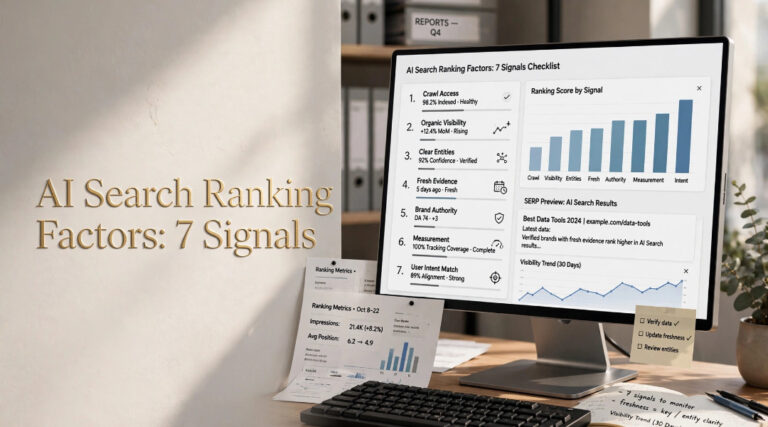


Learning how to improve website content for AI search crawlers has become the most pressing technical SEO challenge of 2026. Not exactly what you’d expect. AI search engines like Google AI Overviews, ChatGPT Search, and Perplexity now send crawlers that behave differently from traditional Googlebot.
They grab content faster, skip JavaScript rendering more all the time, and expect cleaner HTML. If your site blocks them accidentally or buries key answers behind client-side scripts, you disappear from AI-generated answers.
These days, this tutorial walks you through configuring your site so AI crawlers can find, read, and cite your content.
- Allow AI crawler user agents in robots.txt and WAF rules so bots like GPTBot and ClaudeBot can access your pages without being blocked.
- Serve your most important content in clean, server-rendered HTML instead of relying on JavaScript to render key text and answers.
- Structure pages with answer-first formatting, semantic HTML, and schema markup so AI crawlers can extract and cite your content accurately.
Quick Action
- Unblock AI bots first, check robots.txt, CDN, and WAF rules for accidental blocks on GPTBot, ClaudeBot, and PerplexityBot.
- Your content needs to be in raw HTML, not rendered by JavaScript, because most AI crawlers skip JS execution entirely (which is the single biggest technical failure we see).
- Put the answer first on every page, with key facts at the top and headings that match the user’s intent.
- Monitor server logs weekly to confirm AI crawlers are reaching your important pages.
Table of Contents
- What is AI Search Crawler Optimization?
- What You’ll Build and Prerequisites
- Step 1: Audit and Open AI Search Crawler Access in robots.txt
- Step 2: Serve Content in Clean HTML Without JavaScript Dependencies
- Step 3: Restructure Content with Answer-First Formatting
- Step 4: Add Semantic HTML and Structured Data
- Step 5: Build Topical Clusters for AI Search Crawlers
- Verification: Testing It Works
- People Also Ask
- Next Steps
What is AI Search Crawler Optimization?

AI search crawler improvement is the process of configuring your website so that automated bots from AI search engines can access, read, and extract your content for use in AI-generated search answers.
From a broader view, according to a 2026 study by A. Bal on AI-mediated search, close to 97% of AI Overviews still cite from the top 20 organic results.
You could say the study also notes that training crawlers and search crawlers are now separate systems. This is a detail most SEO guides completely miss. That distinction matters because blocking OpenAI’s training bot doesn’t necessarily prevent your content from appearing in ChatGPT search results.
What You’ll Build and Prerequisites
You’ll build a fully AI-crawlable website where major bots can access your content, extract answers from clean HTML, and cite your pages in generative search results, plus a monitoring setup to confirm crawlers are reaching your key pages.
TXT access; server or CDN admin panel access; basic HTML knowledge, and a log file analysis tool. Google’s Rich Results Test validates schema markup.
ZipTie or Screaming Frog Log File Analyzer work well for monitoring crawler activity, so where does that leave us? Where does that leave us? For JavaScript-heavy sites, you’ll also need access to your rendering pipeline or a prerendering service.
Step 1: Audit and Open AI Search Crawler Access in robots.txt
Audit your robots.txt file and firewall rules to confirm that major AI crawlers like GPTBot, ClaudeBot, and PerplexityBot aren’t accidentally blocked from accessing your content.
When you improve website content for AI search crawlers, the first step is, without fail, access. TXT, CDN settings, or WAF rules, and TXT for any Disallow rules that might catch AI user agents. Then review your WAF and CDN settings for bot-protection features that could be filtering them out.
Here’s a clean robots.txt configuration that allows major AI crawlers:
User-agent: GPTBot
Allow: /

User-agent: ClaudeBot
Allow: /

User-agent: PerplexityBot
Allow: /

User-agent: Google-Extended
Allow: /
According to research by Al-Haraizah, Abdelfattah, and Rehman published in 2025, search engines progress from crawling to indexing by scrutinizing page content during the exploration phase. Txt blocks the crawler; that process almost never starts.
The fix takes minutes, but the impact is immediate. In my face, the Cloudflare bot-fight mode setting is buried three menus deep, and it blocks GPTBot by default. Check that first.
Expected Result:
AI crawler user agents return HTTP 200 status codes. TXT or WAF rules block them. This detail matters more than it might seem right now.
How do I check if AI bots are already blocked?
Txt for Disallow rules targeting AI user agents, and then pull your server logs and grep for “GPTBot”, “ClaudeBot”, or “PerplexityBot” to see.
Then again, if they’re hitting your site at all. Nine times out of ten, if you find zero log entries from these bots over a week, something is blocking them.
Step 2: Serve Content in Clean HTML Without JavaScript Dependencies
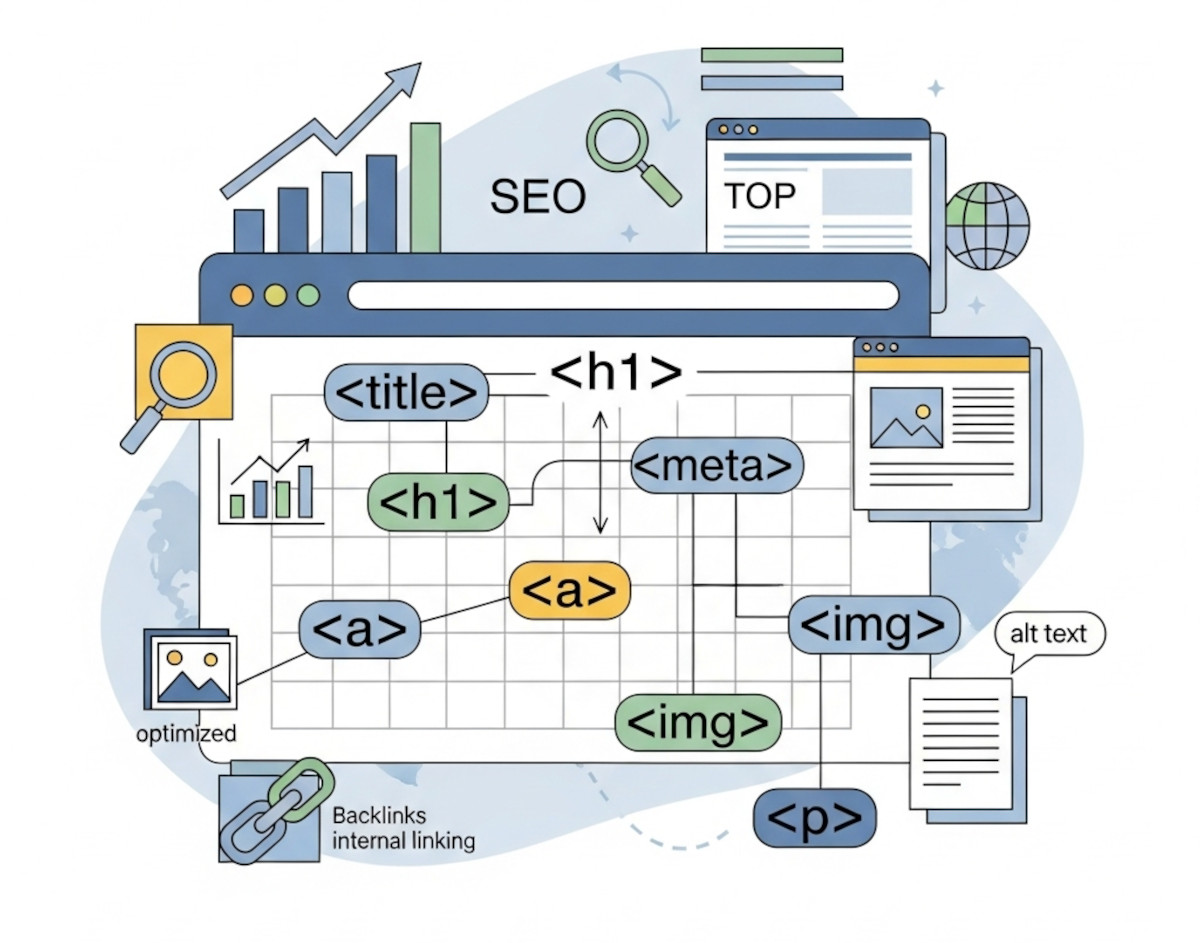
Make sure your key content exists in raw, server-rendered HTML so AI crawlers can read it without executing JavaScript, which most AI bots skip entirely.
From a broader perspective, JavaScript-heavy pages often look fine to most people but fail completely when crawlers can’t see the rendered content. AI crawlers usually grab the raw HTML response and move on. They don’t wait for React, Vue, or Angular to hydrate. If your product descriptions, article text, or FAQ answers live inside JavaScript parts, AI bots see empty containers.
Here’s what you should know. On closer inspection, according to a 2024 study by Guelailia and Bouziane on AI-enhanced SEO, AI algorithms now play a direct role in improving website crawling by processing raw HTML content. Content embedded in client-side JavaScript creates a barrier these algorithms can’t cross.
The address? Server-side render your make-or-break content.
Js, let’s use SSR or static generation for content pages. It makes a difference. If you run WordPress.
For SPA structures, think about prerendering solutions. When I ran this audit on a client’s React site, the difference showed up immediately in their server logs, so what’s the catch? As it turns out, GPTBot started hitting 12 times more pages within a week.
Expected Result:
Viewing your page source (not the rendered DOM) shows all key text content in plain HTML.
What’s the catch with JavaScript and AI search crawlers?
The catch is that many modern structures ship content as JavaScript parts by default. Your dev team might assume the site works fine, which means. Because it renders in their browser, but AI crawlers see the pre-JS HTML. You need to explicitly enable server-side rendering or prerendering for content pages.
Step 3: Restructure Content with Answer-First Formatting
Put the answer first on every page. Present your main point quickly, with key facts near the top of the page and section headings that clearly match user intent.
AI search engines extract answers from pages the same way a skimming reader does. As far as I know. If your page buries the answer in paragraph six. After a 500-word introduction, AI crawlers may almost never reach it.
Still, according to research by Macumber on AI and SEO practices published in 2024, AI solutions help identify quality content by analyzing topical relevance and structure. Pages that lead with direct answers and follow with supporting details are better for both AI extraction and human usability. This aligns with Google’s own guidance: put the answer, one thing to note, with key facts high on the page.
The answer-first structure looks like this: H1 with the core question or topic, a 2-3 sentence direct answer immediately below; then supporting sections with H2s that match concrete user queries. It’s like inverted-pyramid writing in journalism.
AI Overview Citation Sources by Ranking Position (2026)
Up until recently, that chart showed why understanding AEO versus traditional SEO matters right now. Looking closer, if you’re not in the top 20, AI search almost never cites you.
Expected Result:
Each page opens with a direct answer in the first paragraph, followed by structured supporting sections.
Step 4: Add Semantic HTML and Structured Data
Use semantic HTML elements and schema.org structured data so AI crawlers can understand your page’s meaning, entities, and content type without having to guess.
Here’s the thing – semantic HTML means using <article>, <section>, <nav>, <header>, and <main> tags instead of generic <div> wrappers. Structured data means adding JSON-LD schema markup that explicitly tells crawlers what your content is about. Together, these signals help AI answer engines interpret your content reliably.
According to a 2025 study by T. Suresh on NLP for internal link optimization, natural language processing helps search engines understand content relationships through rational website structure and internal linking. As it turns out, giving those NLP systems the anchors they need to map your content accurately, semantic markup.
{
  "@context": "https://schema.org",
  "@type": "FAQPage",
  "mainEntity": [{
    "@type": "Question",
    "name": "How do I optimize for AI search crawlers?",
    "acceptedAnswer": {
      "@type": "Answer",
      "text": "Allow AI bots in robots.txt, serve content in clean HTML, and use semantic markup."
    }
  }]
}
Expected Result:
From a broader perspective, Google’s Rich Results Test validates your schema markup with zero errors, and your HTML uses semantic elements rather than generic divs.
Step 5: Build Topical Clusters for AI Search Crawlers
Create topical clusters with internal links and maintain a current sitemap with last-modified signals so AI systems can find related pages and identify content freshness.
Now, AI crawlers look for content clusters to figure out topical authority. If you have 15 articles about AI SEO. That matters, but they don’t link to each other; the crawler sees 15 isolated pages. Connect them with strategic internal links, and the crawler sees a topical authority signal.
Picking up that thread from before, according to a 2024 study by Aman, N’guessan, and Agbo on search engine performance optimization, crawlers map content visibility through structured crawling paths, and AI now improves this processing for more intelligent content discovery.
Freshness matters too. Update your sitemap with lastmod timestamps. When you refresh content, update the published or modified dates. So that’s where building a topical map for SEO right away impacts your AI search visibility. So clusters give crawlers context; freshness gives them confidence.
Expected Result:
Your sitemap includes accurate lastmod dates, and pages within the same topic cluster link to each other.
Verification: Testing It Works
Confirm that AI crawlers can access and read your content by running log file analysis, testing raw HTML delivery, and checking for HTTP 200 responses across your key pages.
After you improve website content for AI search crawlers, verify that bots can actually reach your pages. The fastest way is to analyze log files. You could say you should see regular visits from GPTBot, ClaudeBot, or Google-Extended on your big deal pages. If you see zero hits, go back to Step 1.
- Pull server logs, Export 30 days of access logs and filter for AI bot user agents to confirm crawl activity.
- Test raw HTML, Disable JavaScript in your browser and load your top pages to verify content visibility.
- Validate schema, Run your URLs through Google’s Rich Results Test to check for structured data errors.
- Check HTTP status, Confirm all key pages return HTTP 200 with no accidental noindex directives.
- Review internal links, Verify topic cluster pages link to each other and your sitemap has accurate lastmod dates.
For ongoing monitoring, tracking SEO effectiveness in AI search engines gives you a repeatable structure. Set up weekly log checks and monthly content audits.
Expected Result:
Server logs show regular AI crawler visits, raw HTML contains all key content, and schema validation passes cleanly.
People Also Ask
By most accounts, only block AI crawlers. If you have specific reasons, like protecting gated content, managing server costs, or preventing training data extraction. For most sites, allowing access increases visibility in AI search answers, which is where traffic is shifting.
No. Building on old-school SEO fundamentals, AI search improvement. Answer engine optimization techniques layer on top of solid SEO.
AI crawlers discover new content through sitemaps and existing crawl paths, usually within days to weeks. Freshness signals, such as updated lastmod timestamps and internal links from already-crawled pages, speed up discovery.
In most scenarios, training crawlers build AI models from web content. While search crawlers fetch pages to generate real-time answers. The Bal (2026) study confirms these are separate systems. So blocking training bots doesn’t necessarily block search citations.
Next Steps
Start with the technical audit in Step 1. Fix any crawler blocks immediately, because nothing else matters if bots can’t reach your pages. Then work through the HTML rendering check and content restructuring in order.
You might find that this is where it gets practical. For deeper coverage, explore GEO strategies for AI citations and learn how to structure content for Google AI Overviews; so both topics extend what you’ve configured here into ongoing content strategy.
When you look closely, there’s no universal standard across all AI search engines. You need to keep and test repeatedly. To some extent, setting a calendar reminder for monthly audits means your competitors are probably not doing this yet. Which is exactly why acting now gives you an edge.